 EN
EN

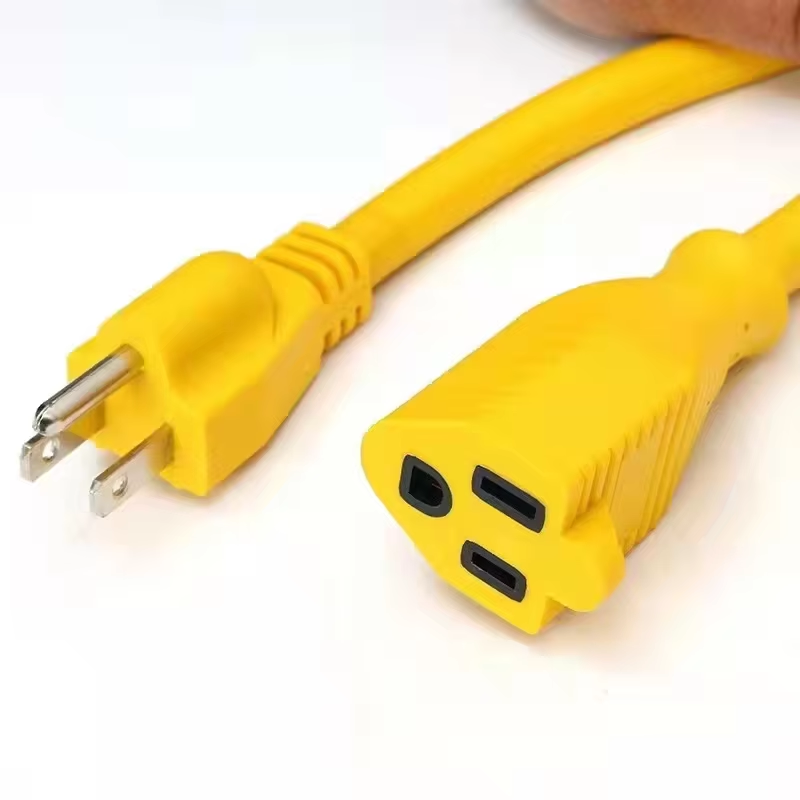
Recognizing Power Cable Compatibility for Computers
Defining Compatibility
Compatibility regarding computer power cables does not relate to defining the power requirements based on the type of computer unit. Rather, compatibility is based on the answering the questions around the three electrical and physical connection considerations. In the first place, the voltage must be an exact match to the requirements of the computer unit. In this regard, a typical mistake is using a 20 volt cable on a computer unit that only requires 19 volts. This will cause damage to the computer unit components and can cause even worse issues such as short circuits. Secondly, a computer unit will request a certain level of current (or amperage). Any cables that are undersized will begin to overheat, as will the entire computer unit. Once this happens the computer unit will shut itself off to protect itself. Finally, the cable connector that is used must give the correct connection and the correct polarity. This will prevent sparks when the connector is plugged or wired incorrectly.
Specification Requirement Mismatch Risk
Voltage Exact match (e.g., 19V) Device failure/short circuits
Amperage ≥ Device draw (e.g., 3A) Overheating, power instability
Connector Physical/polarity match Connection failure, sparking
The Truth Behind Laptop/ Desktop Only Power Cables
Laptop power cables being described as "laptop power cables" and desktop power cables described as "desktop power cables" is completely marketing speak, which is not something an engineer would care about. In reality, as long as the voltage and amperage ratings are the same, power cables with C13/C14 connectors (which are standardized) are able to connect different devices. For instance, consider a scenario where a person has a 120 watt desktop monitor and a 100 watt gaming laptop, both requiring 19 volts. If the monitor and laptop are being powered through the same cable, the cable would only need to be rated to 6.3 amps to support both devices. At the end of the day, it is irrelevant whether a power cable is marketed as a "desktop" power cable or "laptop" power cable or what brand the device is. What actually matters are the specifications of the cable in order for the devices to be powered properly.
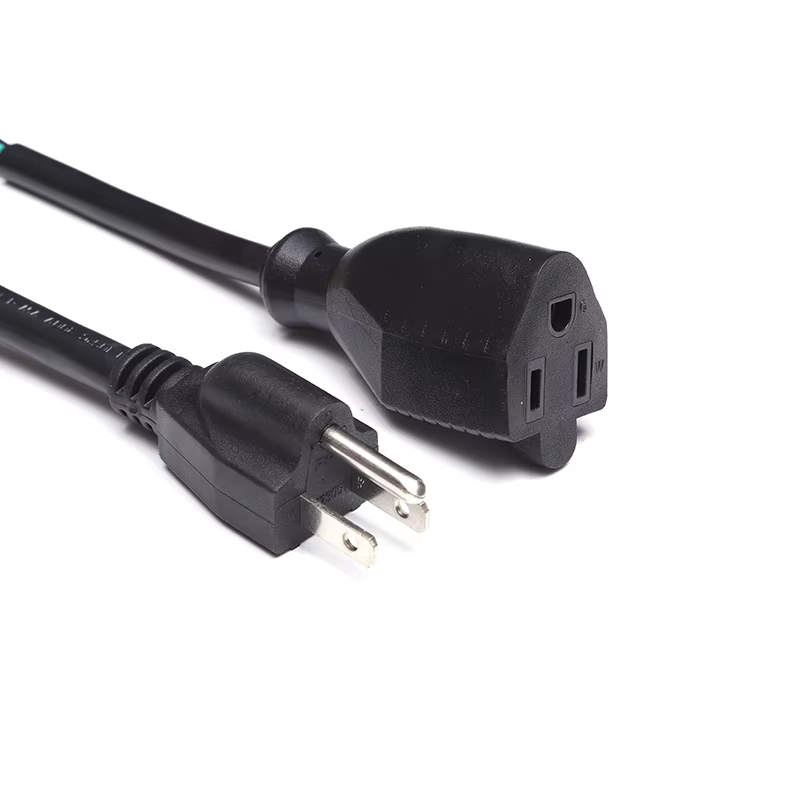
Universal Power Cable Connectors
IEC 60320 C13/C14: For Industry Standard Desktop/Monitor/Laptop Power Supply Connections
The C13/C14 connector has become the industry standard for AC power connections with computers. Many people will be familiar with the C13 connector, being the female type that attaches to desktop power supply units, monitors, and external laptop adapters. The male type, C14 connects to power strips, or directly to the wall socket. Designed for a voltage range of 100 to 240 volts, this connector is usable in North America, as well as Europe. It is also rated for 10 Amps at 250 volts, a common specification for almost all home and office equipment. What is the reason for such confidence in this connector? The answer is, of course, that it has all the safety features: keying and polarization to prevent reverse connections, and a strong impact resistant thermoplastic housing to withstand the wear and tear of frequent connections. Furthermore, the various equipment manufacturers adhere to this standard, and therefore, end users do not face interoperability problems when connecting their computer equipment.
NEMA 5-15P Plug: Compatibility with North American Wall Outlets
NEMA 5-15P plugs are used across North America, with all standard 120V/15A outlet configurations, with two flat blades, one wider for directional insertion, and a round grounding pin, branch coves. These designs guard against user error and incorporate a grounding feature for surge protection. The protective plastic ensures safe insertion and removal, and is durable for extended use. This type of plug is compatible with computer and electronic devices that have IEC C14 sockets, provided the devices are designed for the lower amperage.
Tiantai Cable Computer Power Cable: Cross-Platform Performance Verification
Tiantai Cable's universal computer power cables offer a performance level that allows complete integration with any type of device. The cables adhere to full IEC 60320 C13/C14 and NEMA 5-15P compliance. Operating input voltage 100V to 240V and carrying a steady load of 10 amps, the cables operate with full compliance to all portable and stationary computer, monitor, and other peripheral requirements. Testing demonstrates compliance to all regulations, including operational voltage stability, at steady state 10 amp continuous maximum load. After 1000+ cycles of connection and disconnection, operational voltage stability is still present. Thermal performance is also compliance tested: surfaces remain cool per UL 62 standards, temperature rise < 60°C after 8 hours of continuous operation. The use of precision molded connectors, pure copper conductors, double insulated conductors (PVC) at 18 AWG, and other quality materials explains the performance of these cables.
The entire ensemble was designed for users to obtain good conductivity, lasting durability, and most importantly safety across various platforms without worrying about compatibility issues.
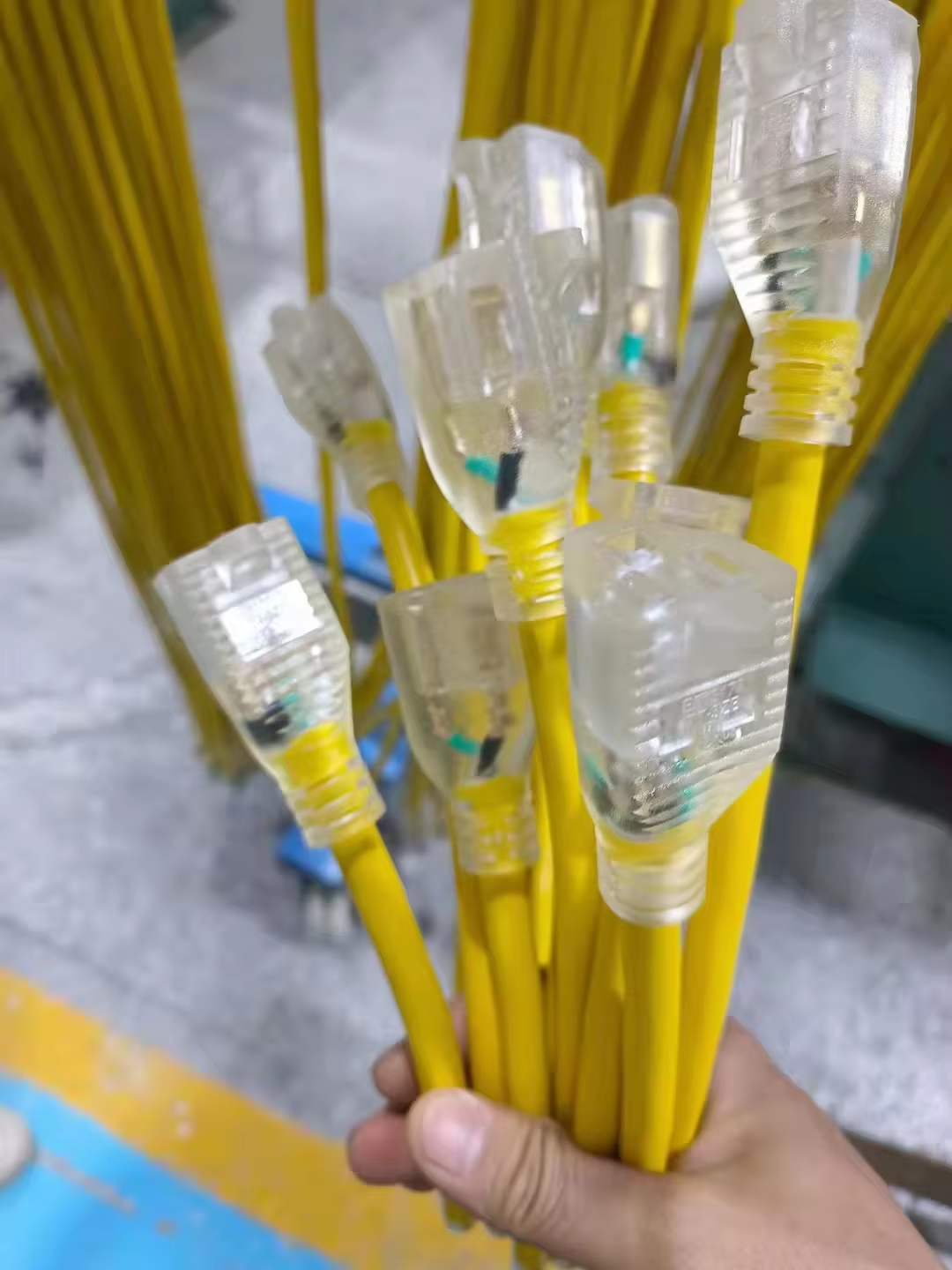
Practical Guidance: Confirming Your Tiantai Cable Works With Your Setup
Step-by-Step Guide on the Compatibility of Your Cable: Connectors, Amperage and Voltage Ratings, and Power Supply Compatibility
First, verify the physical compatibility of the components. Check your device first - does it have a standard IEC C14 inlet? These are very common on desktop power supplies, computer monitors, and large laptop chargers. Next, check what type of plug fits your wall socket or power strip. Most homes have the standard NEMA 5-15P type. Now moving on to the nameplate rating. Your device has a voltage requirement (for instance, '19V +minus 5%'). With this, you should be looking at the cable rating which should be in the range of 100 to 240 volts. With the cable, do not let anything that has the potential to draw more than 10 amps pass through it. According to recent hardware safety reports conducted by IEEE, a massive 66% of power problems recorded are as a result of incompatible or mismatched amperage. As a precaution, do a quick 5 minute test to check if something would have potentially overheated or malfunctioned in the setup.
When Not to Use Generic Computer Power Cables — Important Exceptions Described
Generic cables should be avoided, particularly universal ones, when powering demanding setups over 500 watts. These applications require the use of 16 AWG cables with good strain relief to reduce heating and avoid excessive voltage drops. Requirements for some industrial and medical applications can be even more stringent. Such applications may require cables that are electro-magnetically (EMI) shielded and compliant with military and medical standards (i.e. IEC 60601 and MIL-STD-461), standards that most consumer grade cables do not meet. Laptop charger cables are another set of cables that do not fall within the generic category. Some laptops use proprietary charging technologies (i.e. MagSafe connectors, USB-C PD that communicate with the laptop, and barrel connectors with specific polarity) and may only use cables from the original manufacturer or high-quality tested aftermarket cables. If there is uncertainty regarding what is appropriate, the device specifications should be examined. Many companies do provide detailed cable specifications within user guides or compliance documentation, and some studies indicate up to 92% of companies do this, although it is usually more or less depending on device and manufacturer.
FAQ Section
Q: What impact does cable design have on the compatibility of computer power cables?
A: Compatibility of computer power cables is determined by the voltage, the amperage, and the type of connector, regardless of the class of the device.
Q: Why is it important to match voltages?
A: If voltages are not matched, damage to components or short circuits can occur. Therefore, matching voltages is important.
Q: Can cables used for laptops, desktops, and all-in-ones be used interchangeably?
A: Yes, desktop, laptop, and all-in-one cables can be used interchangeably if the connectors, voltage, and amperage are the same.
Q: What does the IEC 60320 C13/C14 standard refer to?
A: The IEC 60320 C13/C14 standard refers to the standard for the connection of AC power to computers which can operate at voltages of 100 to 240.
Q: Why should power cables be avoided for high generic systems of more than 500 watts?
A: Generic power cables do not have the specifications required to safely handle high-power systems of more than 500 watts, so they should be avoided.